
 Launch
Win more of the right work.
Every RFP follows the same clear path, from the documents landing to the proposal going out, with a real estimate behind every number you send.
Model the project before you win it: scope, timeline, roles, cost and profit. When the client says yes, that model becomes the live project.
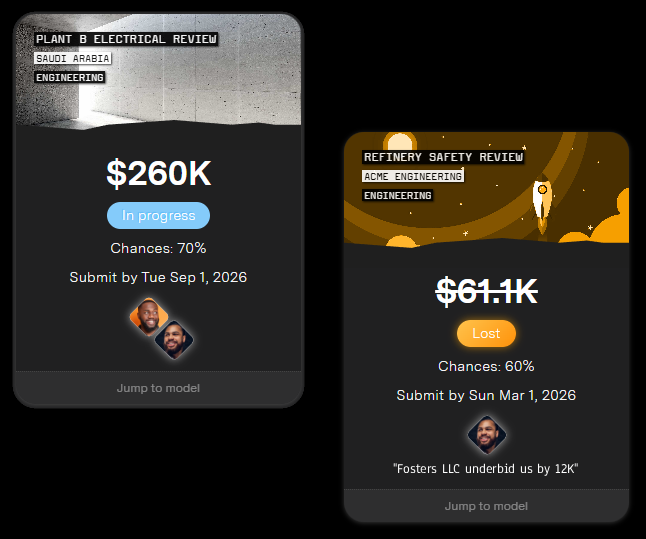
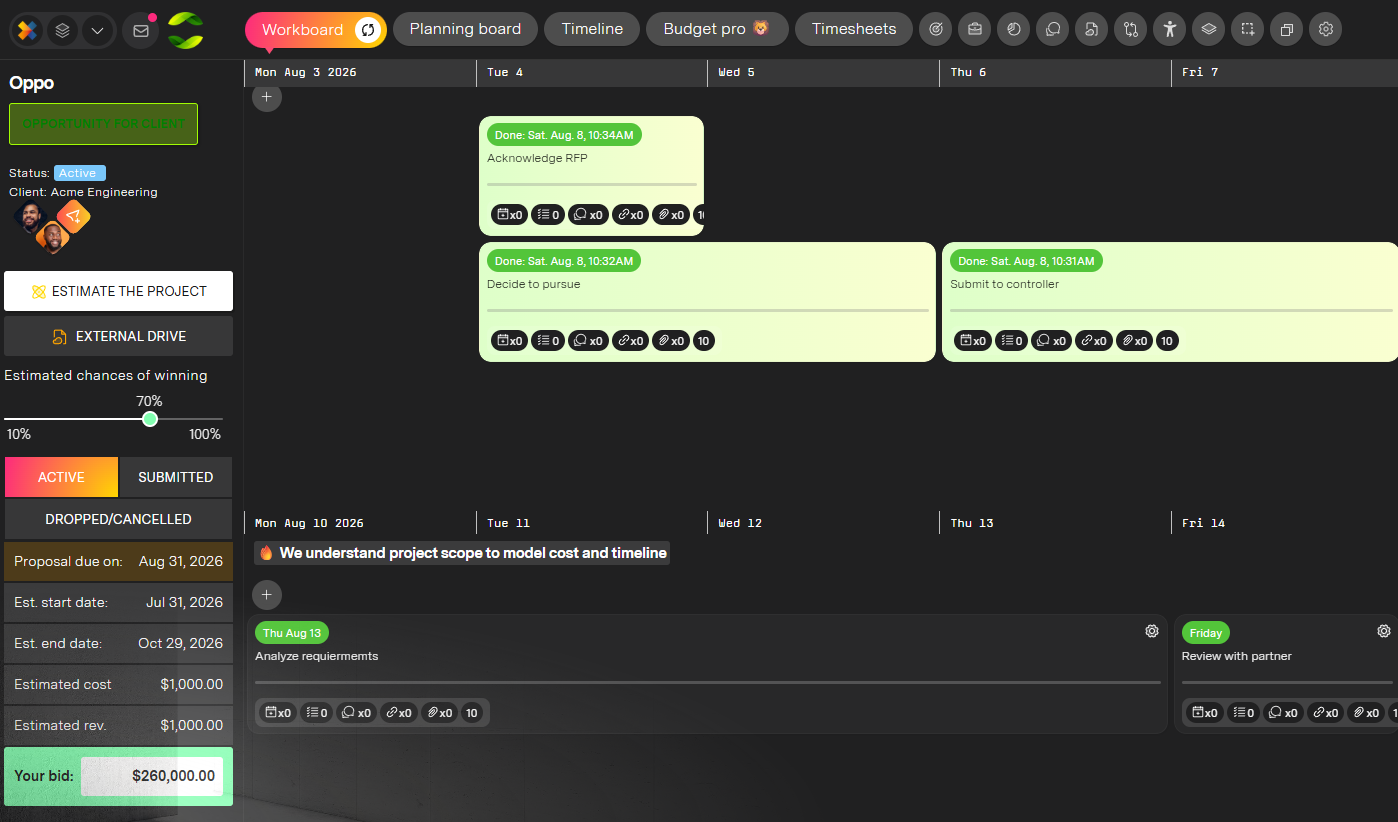
Four steps. Every bid.
Setup, Estimating, Create proposal and Submit status. Each opportunity moves forward one step at a time, so nothing goes out without a bid behind it.
RFP documents, supporting files and what you finally submitted are kept on the opportunity. The people working on the proposal record their time against it, so you know what winning work really costs.
From winning bid to live project in one click.
Let mAX estimate it from the RFP, start from one of your templates, or build it yourself in MX-Gantt, Simple or Kanban. Estimated cost, revenue and profit at your bid update as the model takes shape.

The problem: When a large project is won, many organisations start planning the real scope, effort and resourcing from scratch. Valuable time is lost before delivery even begins.
The transformation: Mark it Won and click Start the real project. The estimation model goes live with its scope, roles, timeline and budget, ready to deliver.
- Estimates built by mAX from the RFP
- Profit at your bid before you submit
- Revenue and resource demand forecast
- Won bid to live project in one click
- No re-planning after the win
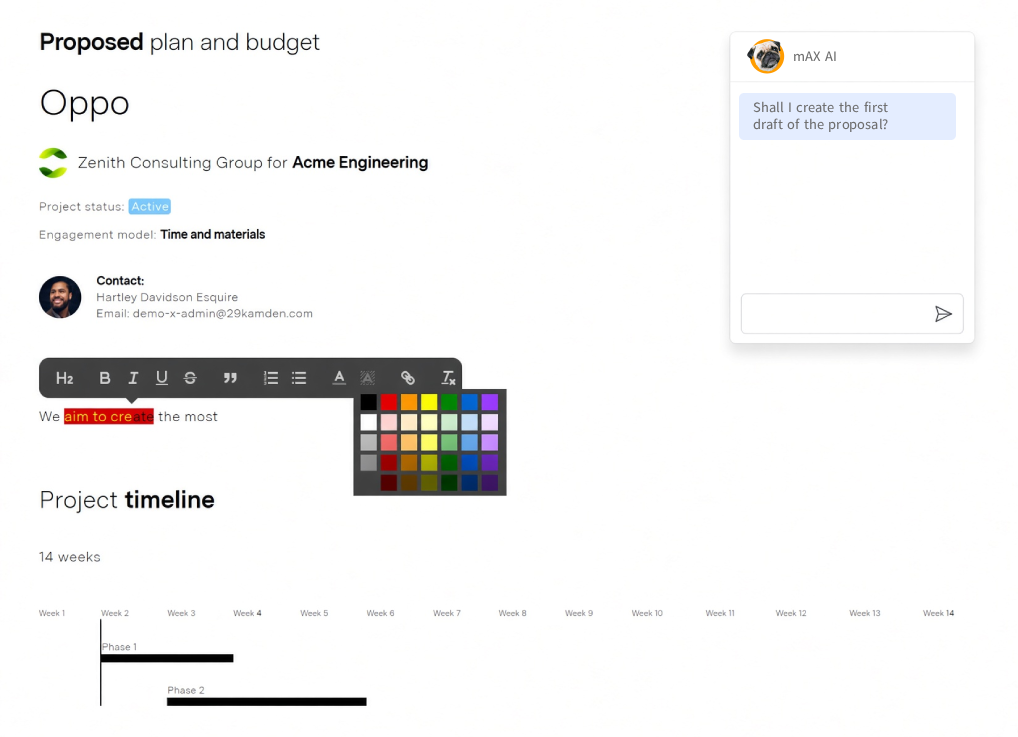
mAX drafts the proposal.
mAX reads the estimate and writes the first draft, with the project timeline and cost charts in place. Review, edit and refine it in the Proposal Workspace.
Prefer your own tools? Link a SharePoint or Google Docs document, or upload the finished proposal. It all stays with the opportunity.
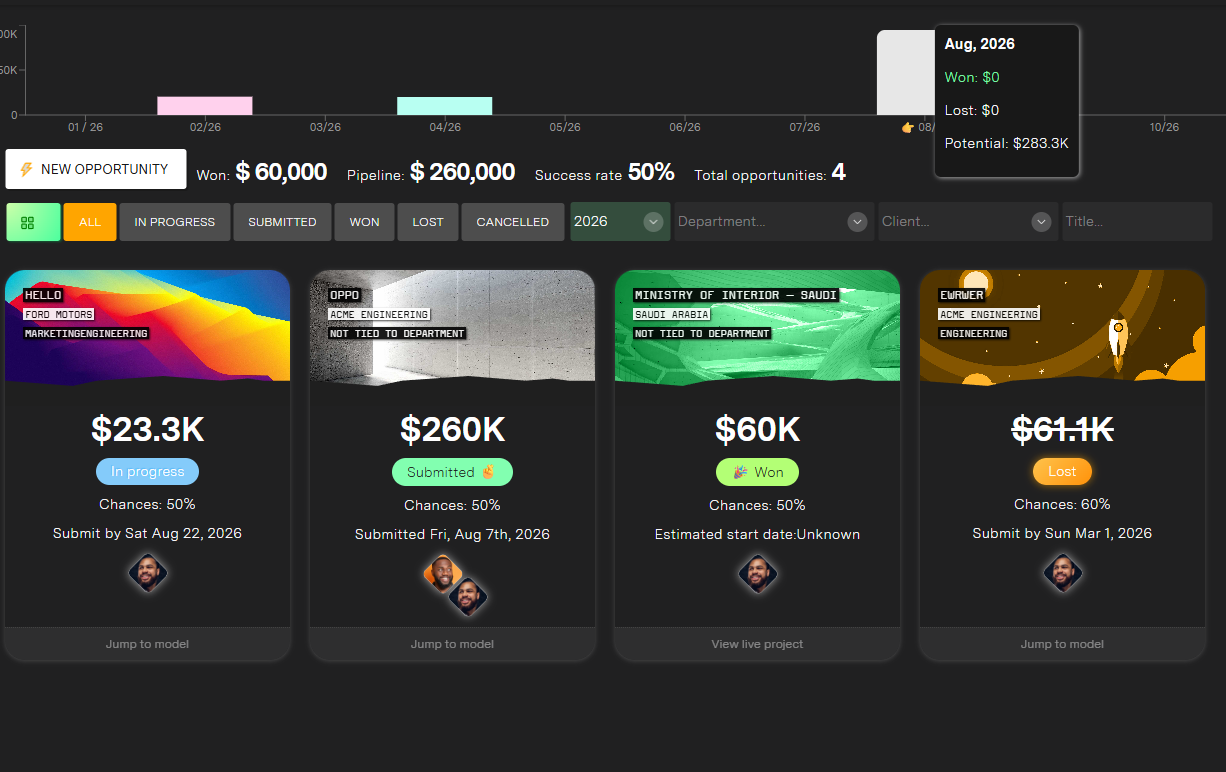
Every bid on one board.
See every opportunity by status, from Active and Submitted to Won, Lost and Dropped, with totals in your currency.
Look back or ahead across 24 months, filter by client or department, and sort by bid amount, due date or chance of success. Switch to the data grid when you need the detail.