Launch
Cancelling leave requests
There are a few scenarios where you can cancel a request. If the leave is still pending, approved but not started, and finally if you need to end your leave early, you can then change the end date.
Cancel pending leaves
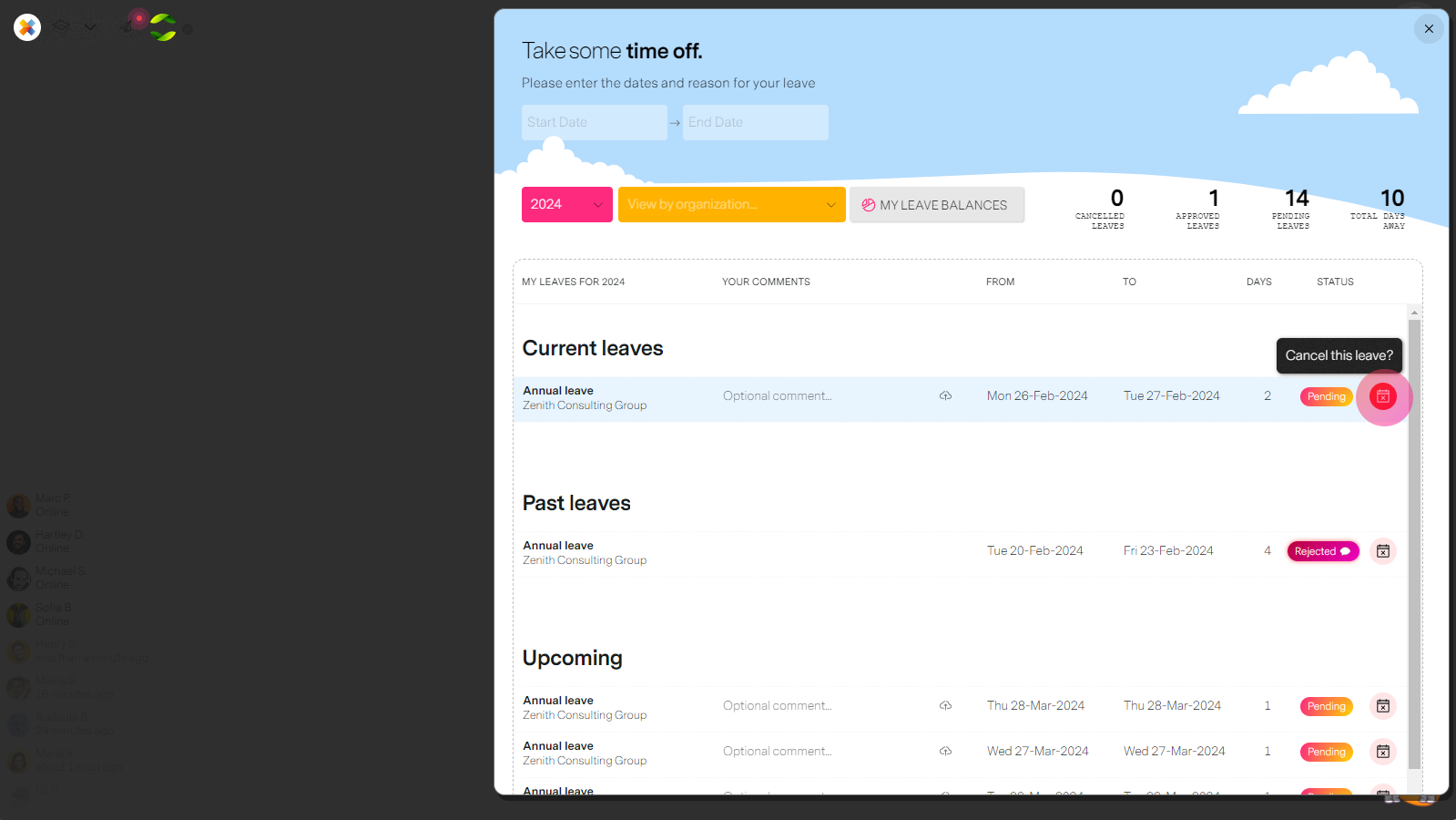
This is pretty straightforward, simply select the cancel iocn next to your leave request. Confirm and your project managers and HR will be notified.
Cancel approved leaves
Here we have two scenarios where cancelling is an option.
- You can cancel a leave that has not started yet just as a pending leave.
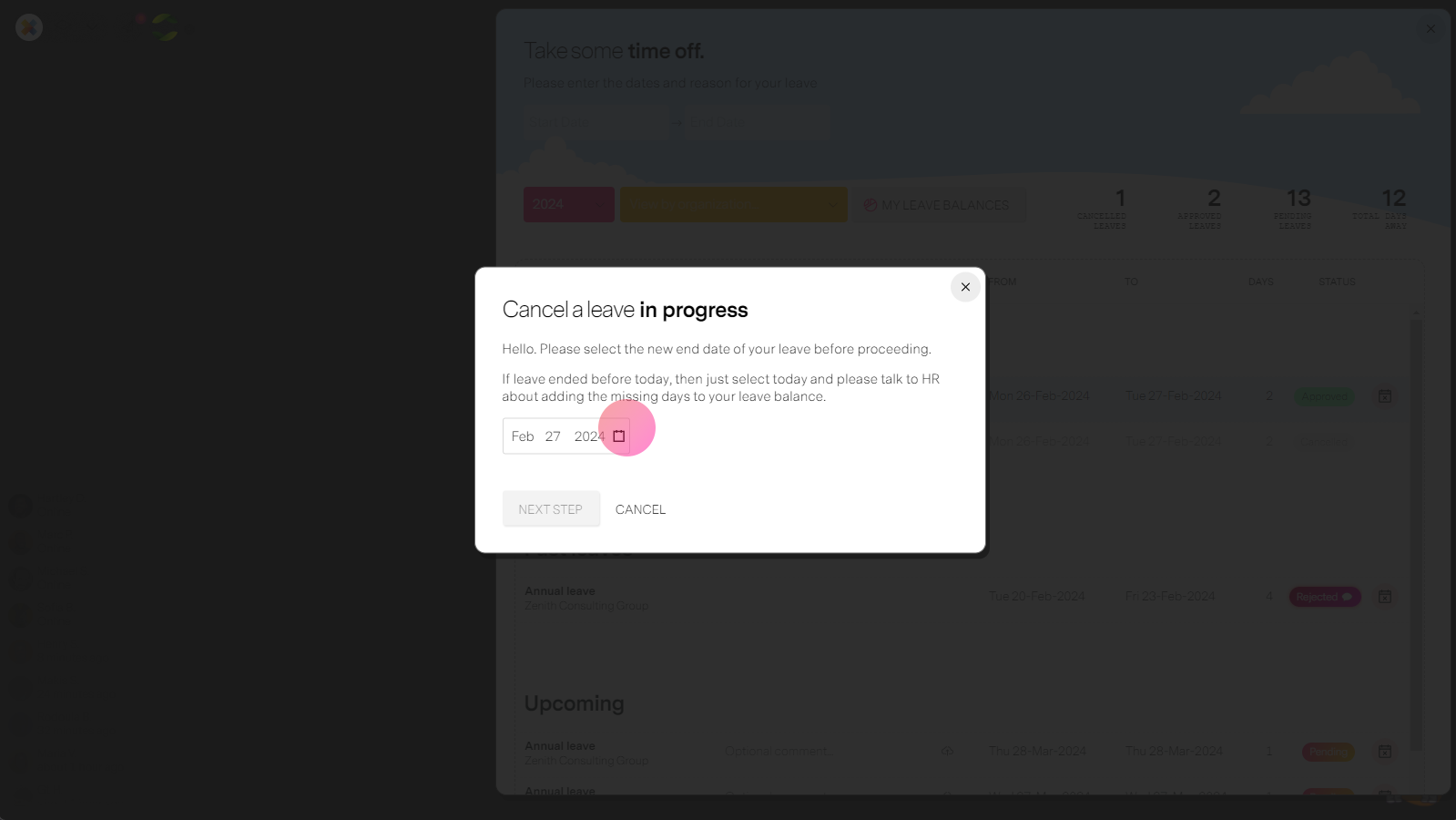
- You can "cancel" an ongoing leave by changing the end date of the leave to end it early.