
 Launch
Baseline key project indicators
Create snapshots of key project indicators like effort, duration and cost so you can track and reference changes to scope and budget throughout the project. A great way to see how cost and time changes evolved and why.
Accessing baselines
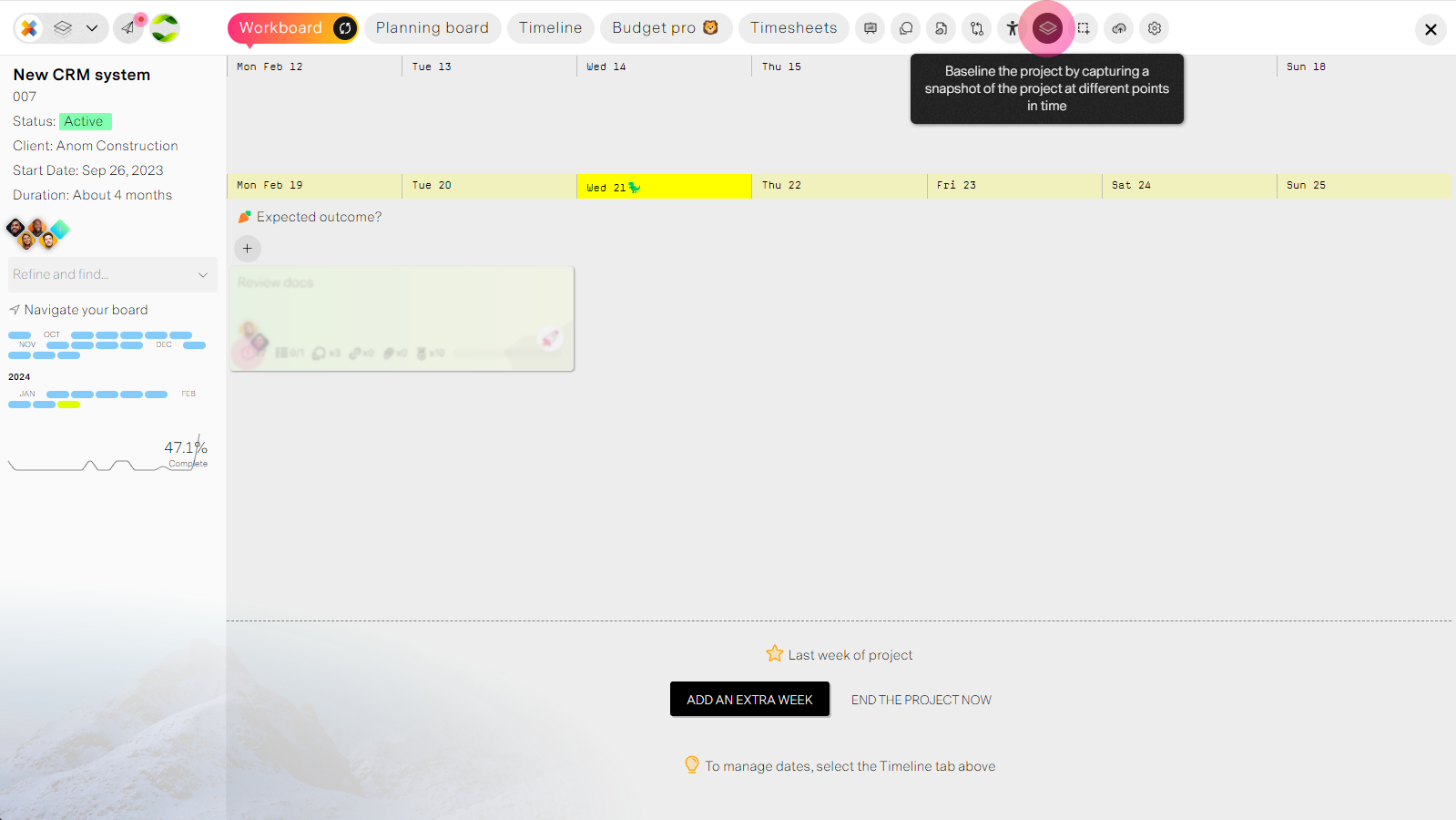
From your project tabs select the baseline icon. You need to be a poject manager, admin or observer to access the panel.
Creating baselines
missionX automatically creates the baseline for you, the only thing you need to do is enter a title and reason why the baseline was created
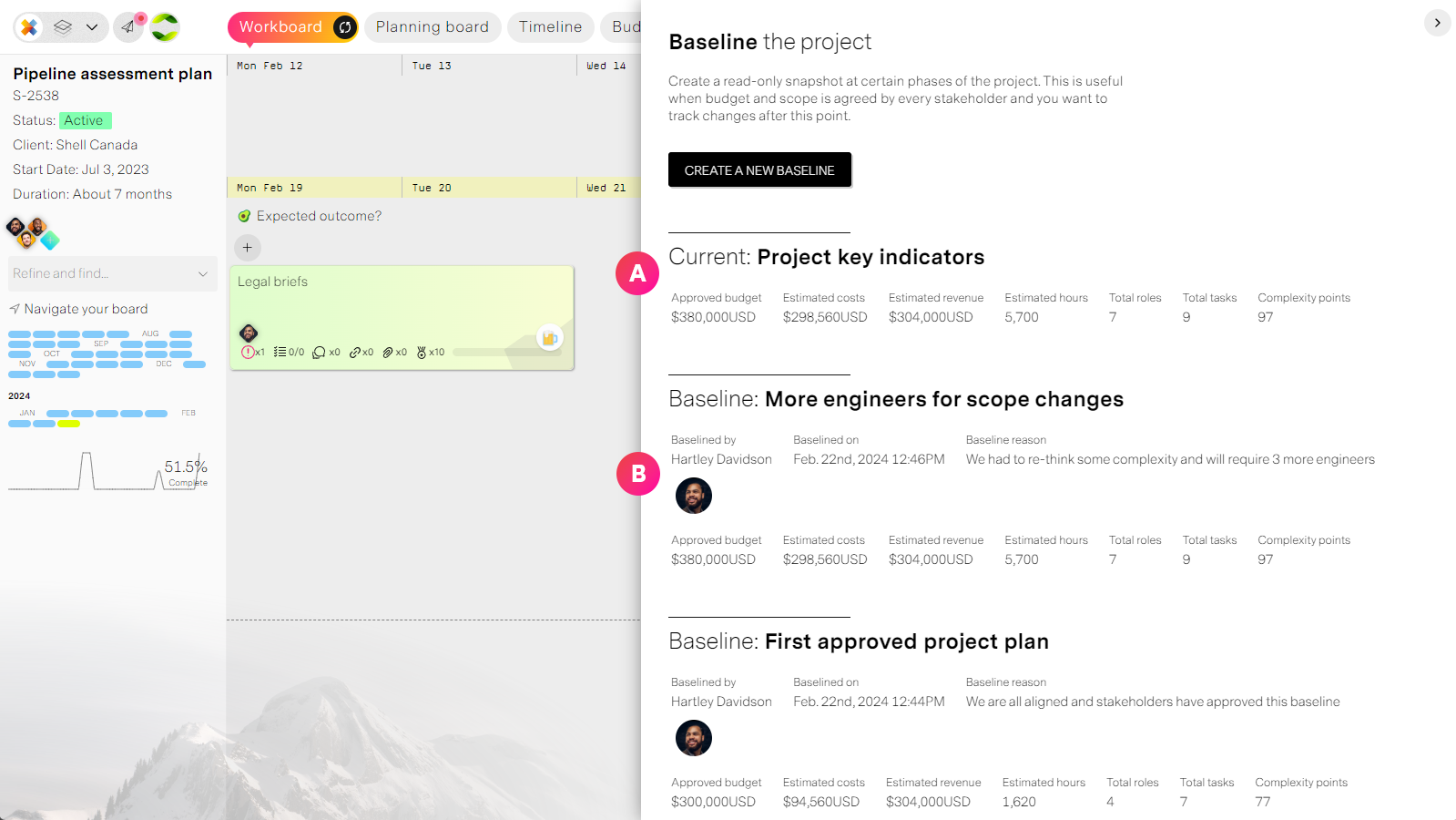
| Label | Feature | Description |
| A | Current indicators | Current data that you can compare to past baselines. This is what will be captured if you decide to create a baseline at this moment in time. |
| B | Baselines | Past baselines include the title, reason, key indiactors, date of baseline and who created the baseline. |
In conclusion
Baselines are a smart and highly effective way to track changes that affect your budget and effort. No more digging up ancient email threads to justify changes for the new (insert stakeholder type here) that just joined the project.