
 Launch
Templates in missionX
Templating is an awesome way to standardize projects and proposals. It allows you to define and optimize a process for repeatable projects with similar project plans, budgets and resource needs. All templates applied can then be customized by the project manager afterwards.

Creating a template
Personal vs Organization templates
There are two types of templates in missionX. Personal templates and organization templates.
Personal templates are only accessible by the person who created them and Organization templates can be used by anyone in the organization. This is why Organization templates can only be created by organization admins.
Start from the control panel
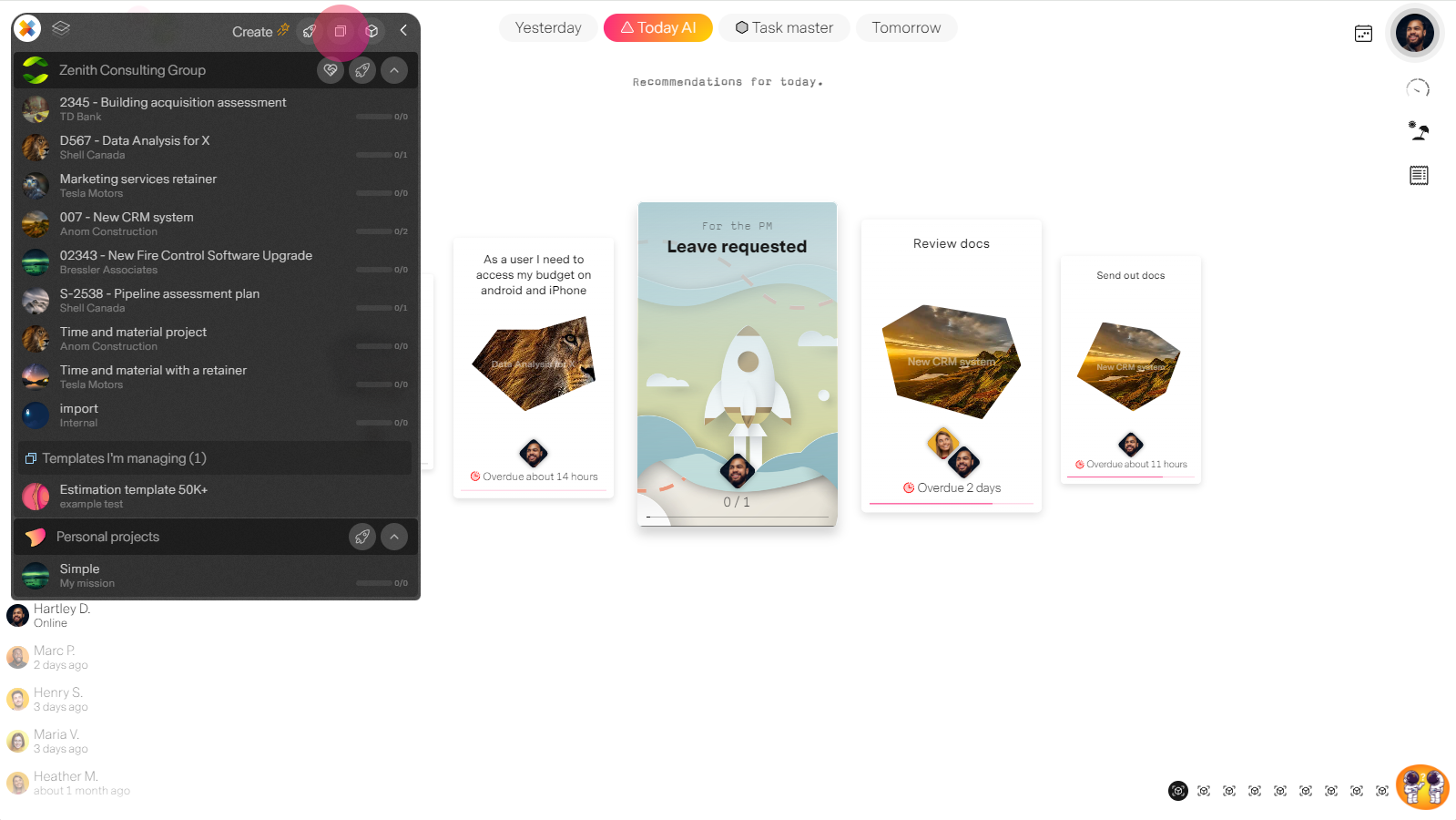
Create template wizard
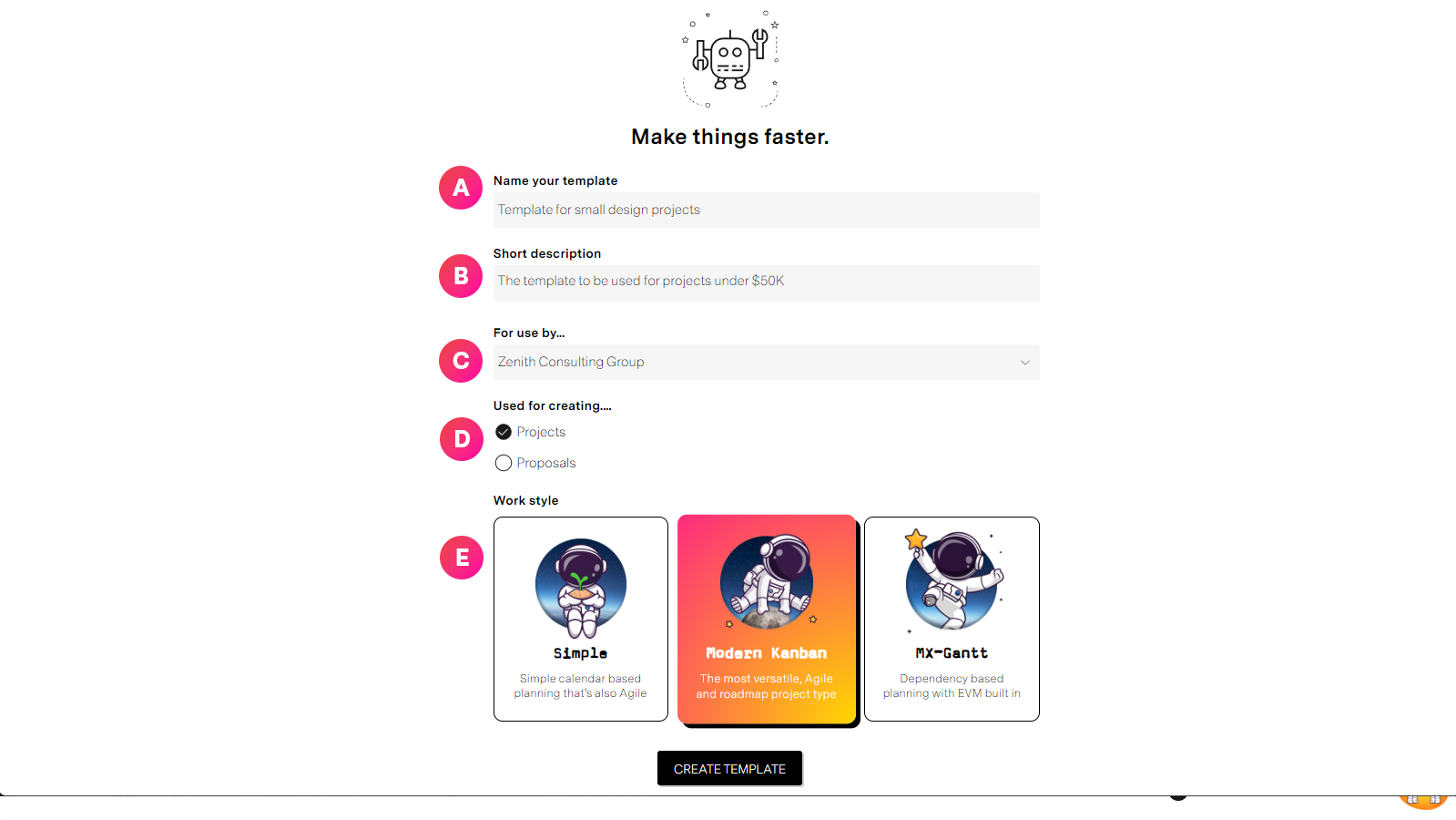
| Label | Feature | Description |
| A | Template name | This title will appear on all drop downs when loading a template so keep it short, descriptive, and to the point |
| B | Short description | This is the line that will appear under the name when loading a template. This is helpful for providing instruction for organization templates where many people will have access to it. Example short description: "Template for ALL engineering projects for XYZ Client in Canada" |
| C | Who it's for | You can choose to create a personal template accessible only by you or, if you are an organization Admin you can create templates for use by anyone in the organization. |
| D | Type of template | Will this be used for projects or proposals? This assumes your organization has proposals enabled from your configuration panel. |
| E |
The template workspace
werwe
| Label | Feature | Description |
| A |
Access templates
werwe
| Label | Feature | Description |
| A |
Loading templates
werwe
| Label | Feature | Description |
| A |