Launch
Earned Value Management (EVM)
Automated EVM reporting using MX-Gantt. Manage your project's WBS and budget from MX-Gantt and missionX automatically generates real-time EVM reports.
Intoduction to EVM
Earned Value Management (EVM) is a project management technique used to assess project performance and progress in a comprehensive manner.
It combines measurements related to the project management triangle:
scope, time, and costs.
How it works
If this starts to get too technical, don't worry you just track budget and % complete and missionX will do the rest.
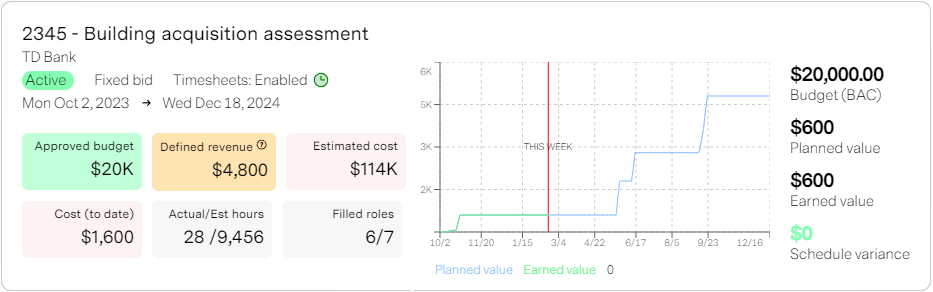
- Planned Value (PV) or Budgeted Cost of Work Scheduled (BCWS) This represents the valuation of planned work. It's essentially the budgeted cost for the work scheduled to be completed at a specific point in time.
- Earned Value (EV) or Budgeted Cost of Work Performed (BCWP): These metrics quantify the actual accomplishment of work. EV reflects the value of work completed up to a given date.
- Actual Cost (AC) or Actual Cost of Work Performed (ACWP) This represents the actual cost incurred for the work performed.
- Cumulative Costs vs. Time Plot: EVM often involves plotting cumulative costs against time. This helps visualize both early and late curves, providing insights into project performance.
Benefits of EVM
EVM allows project managers to make accurate forecasts of potential performance issues. It's particularly useful for large or complex projects, where quantitative forecasts associated with earned value management play a crucial role.
By analyzing PV, EV, and AC, project managers can proactively address deviations from the planned project trajectory. In simpler terms, EVM helps answer questions like:
- Are we on track with our budget and schedule?
- How much work have we actually completed compared to what we planned?
- What are the cost and schedule variances?
Drawbacks of EVM
The biggest issue most people will say, is the complexity and intricacy that comes with using and maintaing specialized software and the overal approach.
missionX actually makes this a mute point by abstracting ALL the complexity involved... but one big drawback in our humble opionion remains.
EVM requires a lot of oversight and constant, meticulous updates to the project plan and budget. Progress and dates must always be up-to-date and as we very well know, to nail down a perfect timeline is like trying to swim in quicksand.
If you are commited to a very well defined plan and are willing to maintain it on a daily basis then missionX will make the rest effortless.
Viewing EVM reports
There are three ways to access your EVM reports.
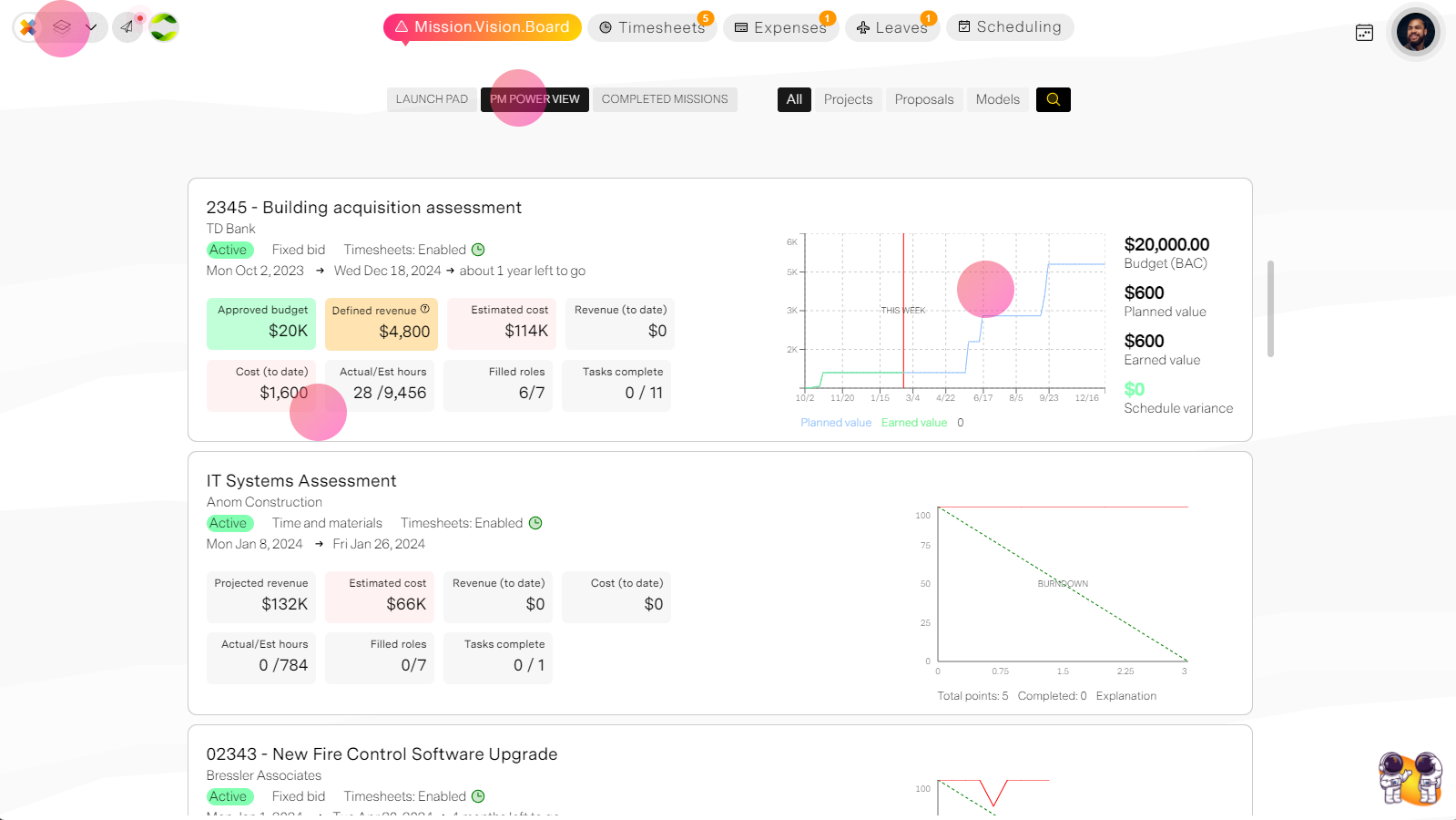
1. From the Project manager's workspace Mission.Vision.Board > PM Power View
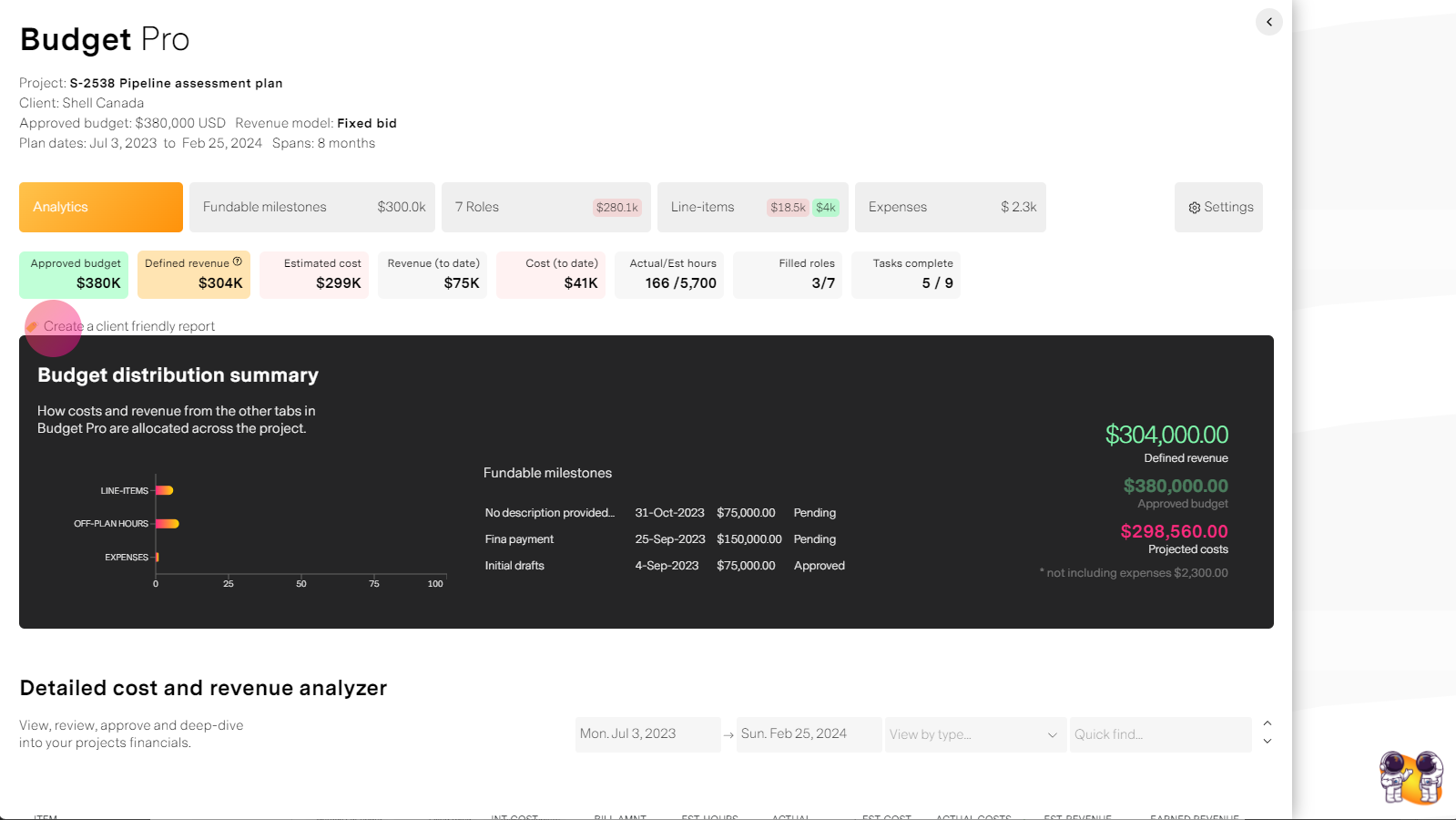
Through the project workspace or the organization Financials tab by opening Budget pro and selecting "Client friendly report."
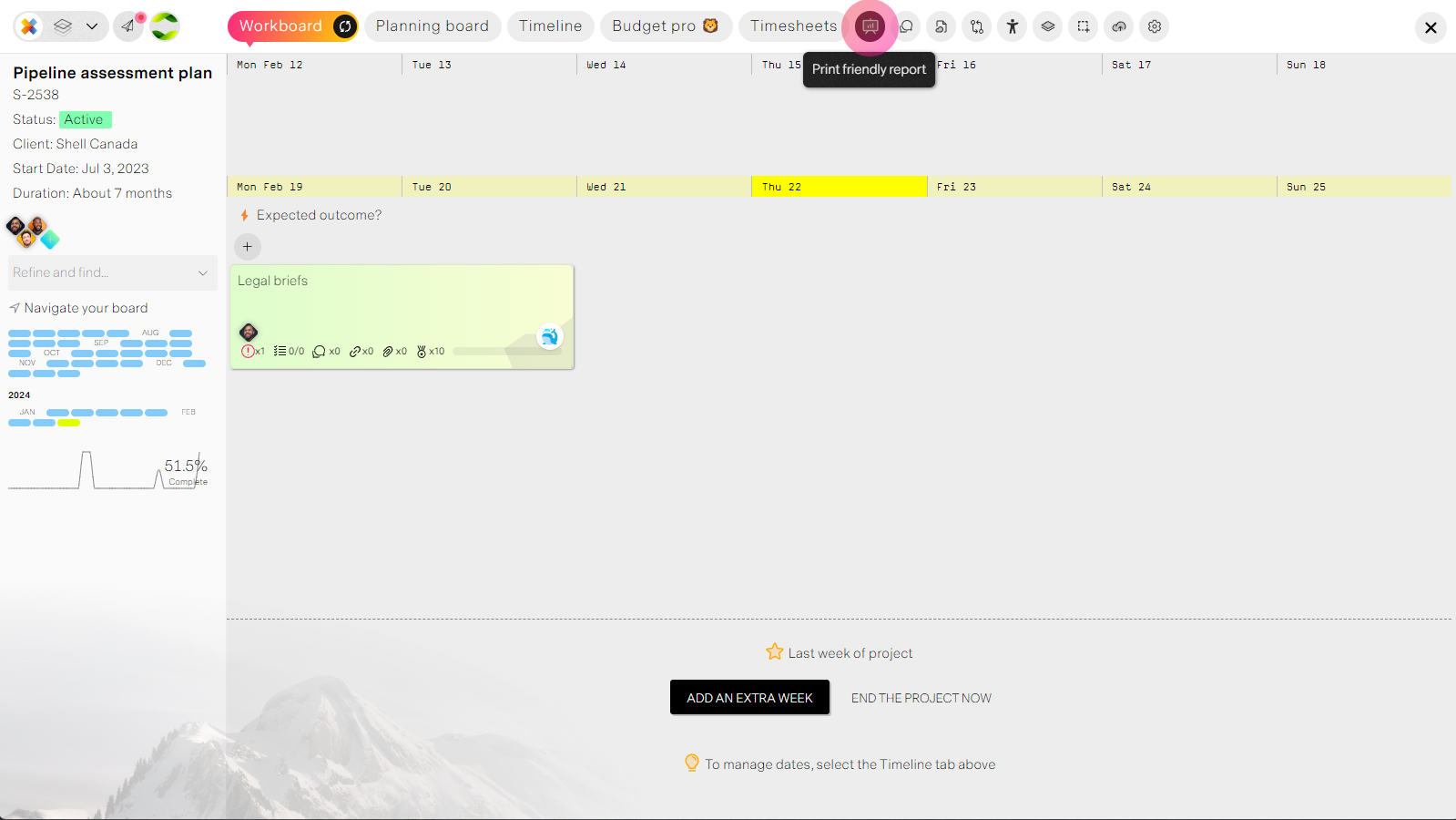
From the project workspace select the reports tab where you can see and print to PDF.