
 Launch
Establish your organization
Your organization is usually your company and although you can create as many organizations as you wish remember: only one workspace for each organization meaning you cannot aggragate or share data between organizations.

In 30 seconds
Create an organization workspace with departments in 30 seconds or less.
- Start the Wizard
- Establish the organization
- Departments and Groups
- Currency and Proposals
- Invite another admin

Start the Wizard
Anytime from the missionX Control panel (A - top, left from anywhere in the system) or when you first start from your task list (B)
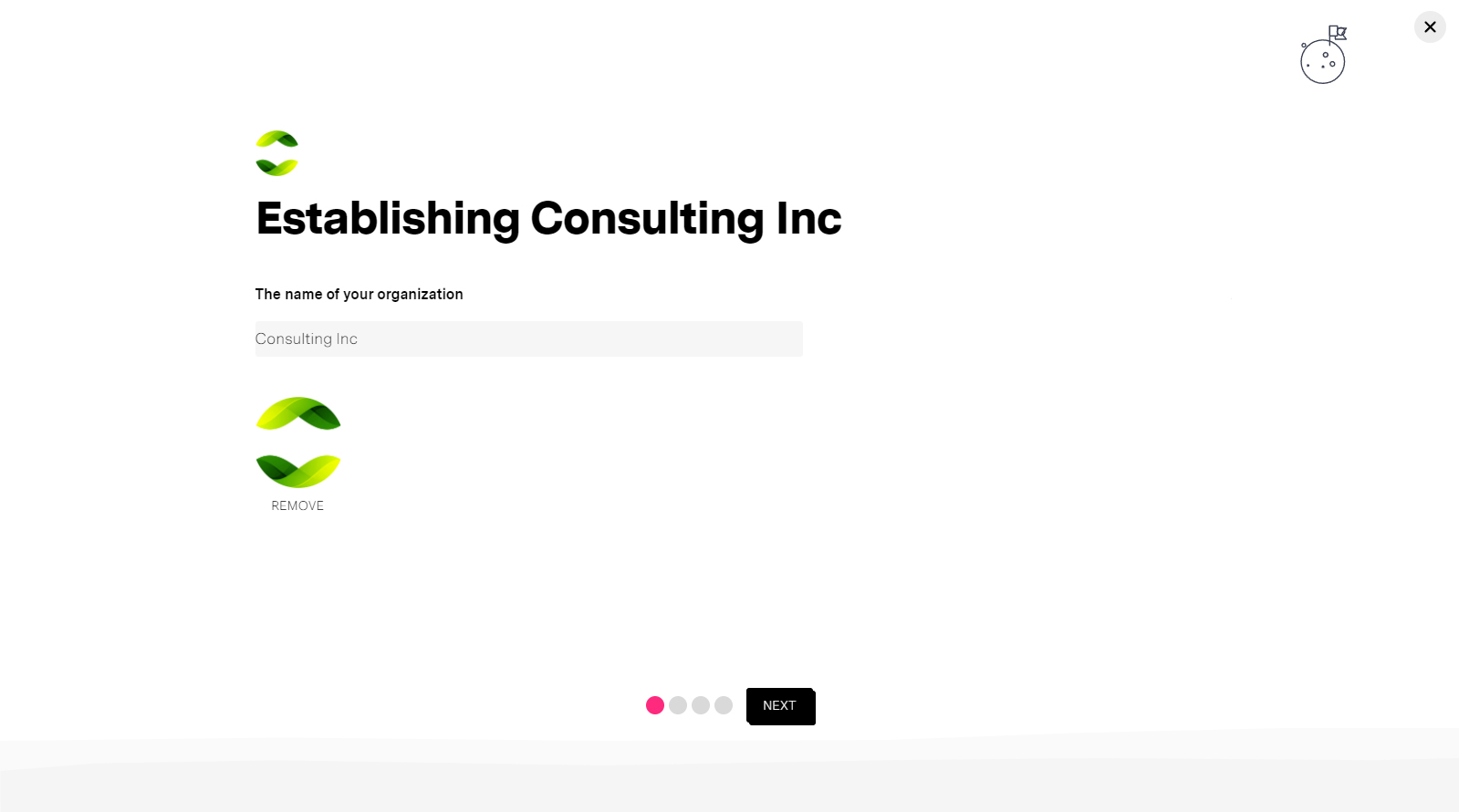
Establish the organization
Enter the name of your organization and your logo (optional). Round PNG recommended but not necessary.
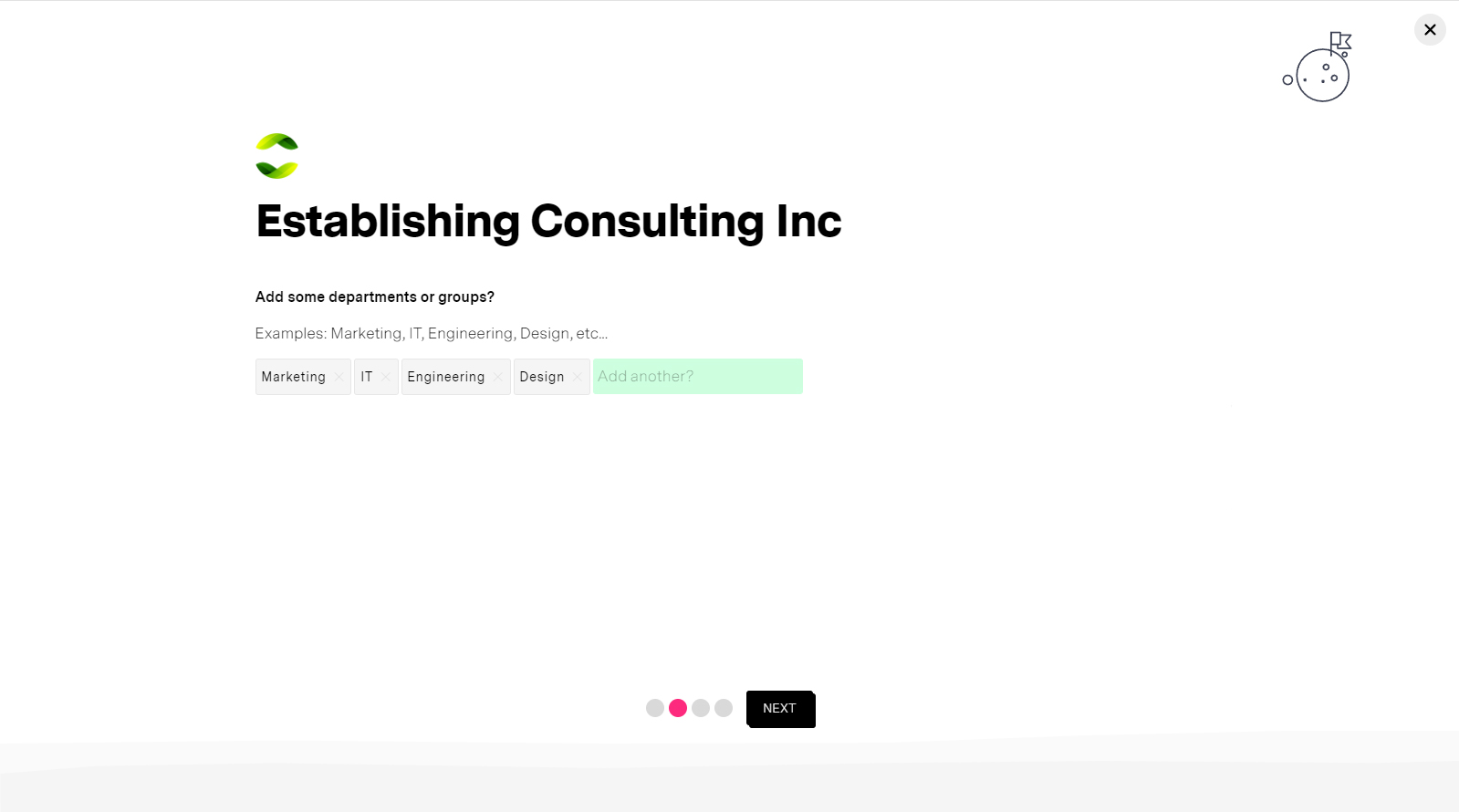
Departments and Groups
Add departments or groups to organize your people and data. keep it simple and at a high-level you can always organize further using program and reporting tags
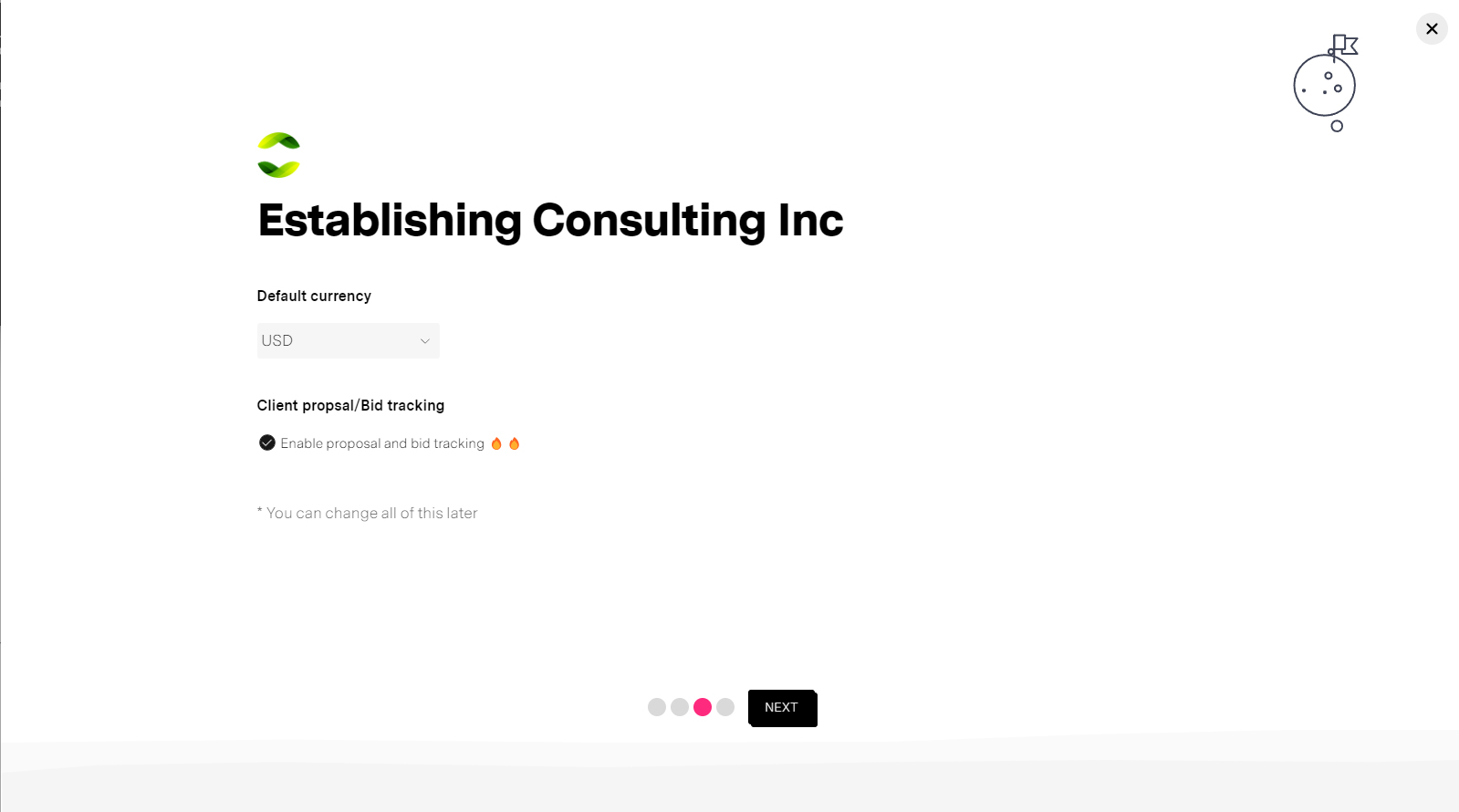
Currency and Proposals
Your company's default currency (can be overridden). Optional - Proposals for customer focused companies that need to track success rates, and the cost and effort that goes into proposal work.
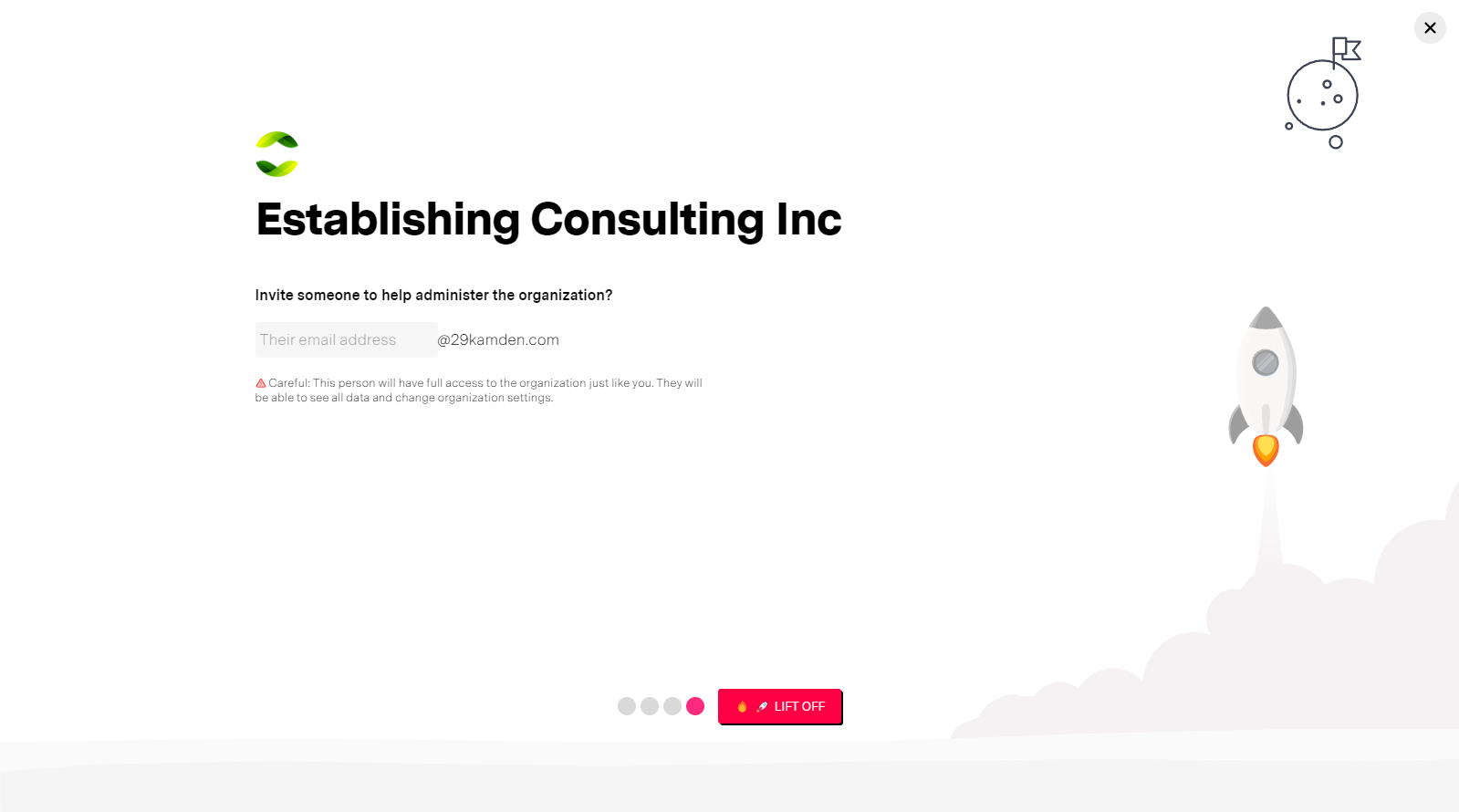
Invite another admin
Optional. Do it all yourself or invite a company Administrator to configure and manage your organization on missionX. Usually an IT person, partner or company administrator.
Please note you will not be able to invite people to your organization if you have not validated your email first
Next steps
You can continue to configure your organization or invite people to help you work on it.